Change your settings
Appearance, languages, translations, session length, backups, and how to delete your learning data.
Open More, then Settings.
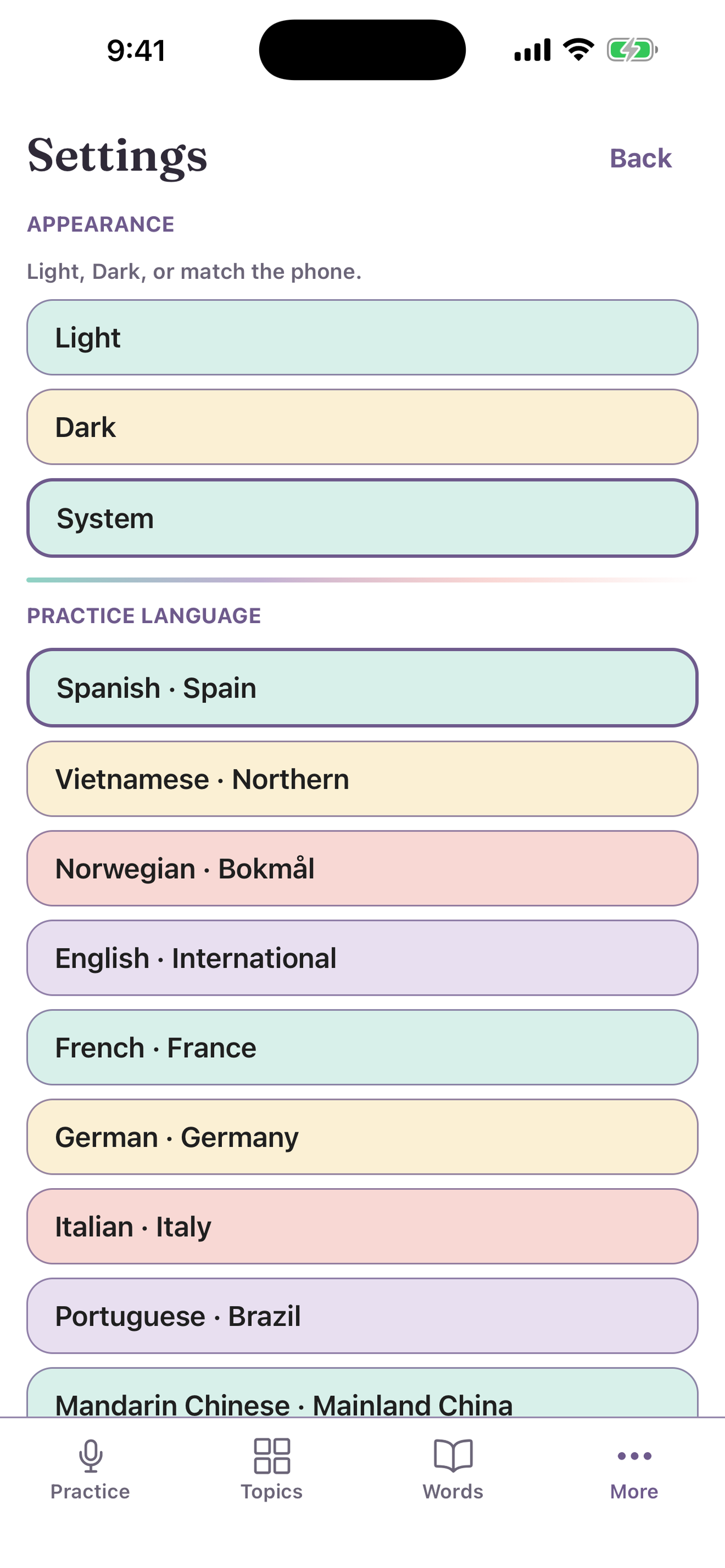
Appearance
Select Light, Dark, or System.
Languages and translations
- Practice language: the language you learn.
- Current language: the language you already understand.
- Show translation under You and Uyen lines in chat: turn translations on or off.
Practice defaults
- Practice speech speed: the speed for each new start.
- Follow-up wait: the pause before the next question.
- Default difficulty: the level for Free Chat.
- Session limit (minutes): the longest time for one practice, when your plan has a limit.
Backup
- Export learning backup: save your words and progress to a file.
- Import learning backup: load a backup file.
Delete your learning data
Select Delete all learning data, then confirm Delete all learning?. This removes the learning data on this device. It does not delete your account. See Get help.