Recent practices
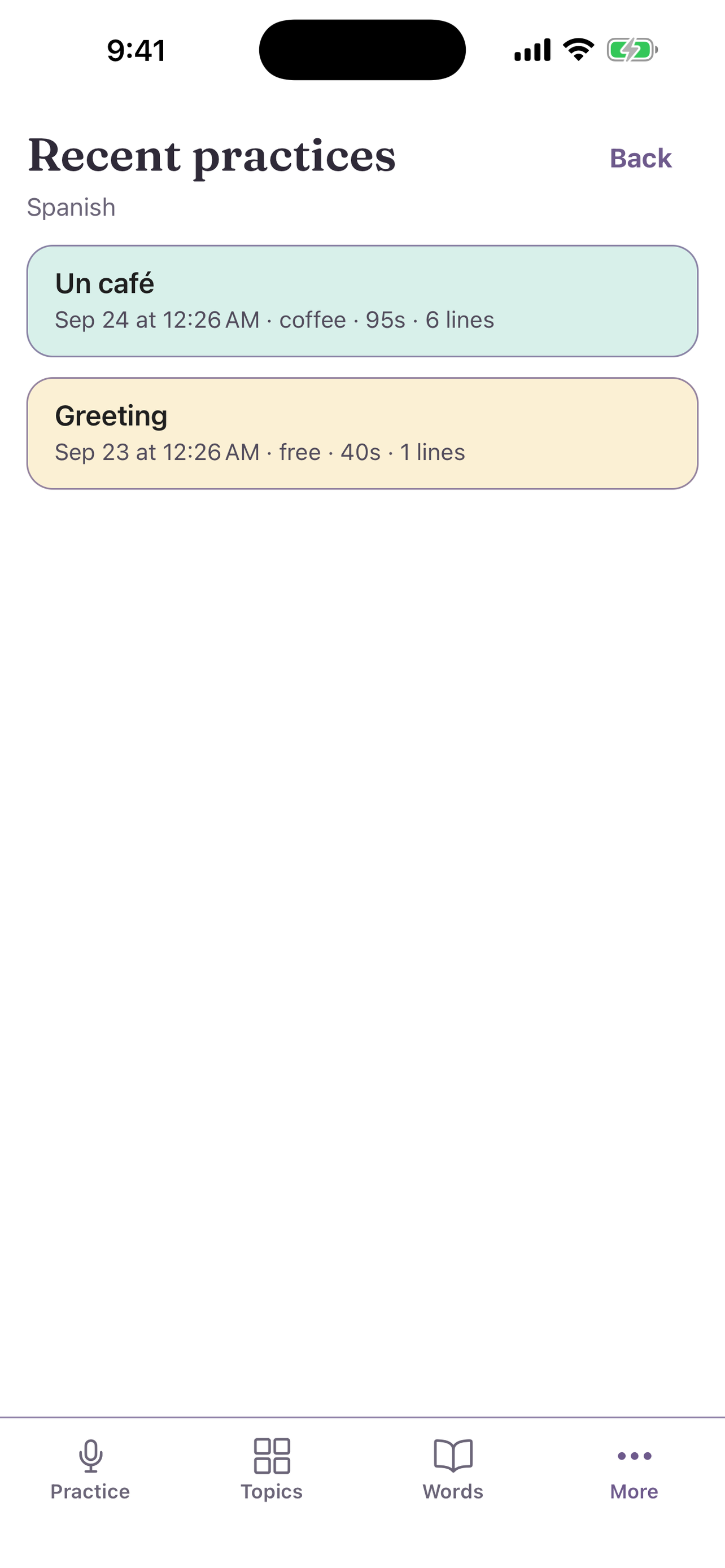
Read your past conversations and continue one where you stopped.
Recent practices keeps your last 10 practices for each practice language. The tutorial is not in the list.
Read a past practice
- Open More, then Recent practices.
- Select a practice. You see the full chat.
- Tap a word to look it up or mark it, the same as in Practice.
Continue a practice
Select Resume to go on from where you stopped.
Without a subscription, you can continue a practice for 24 hours. After 24 hours, Uyen shows History limit. Select New to start fresh, or subscribe to Student or Professional to keep long history. See Minutes and plans.