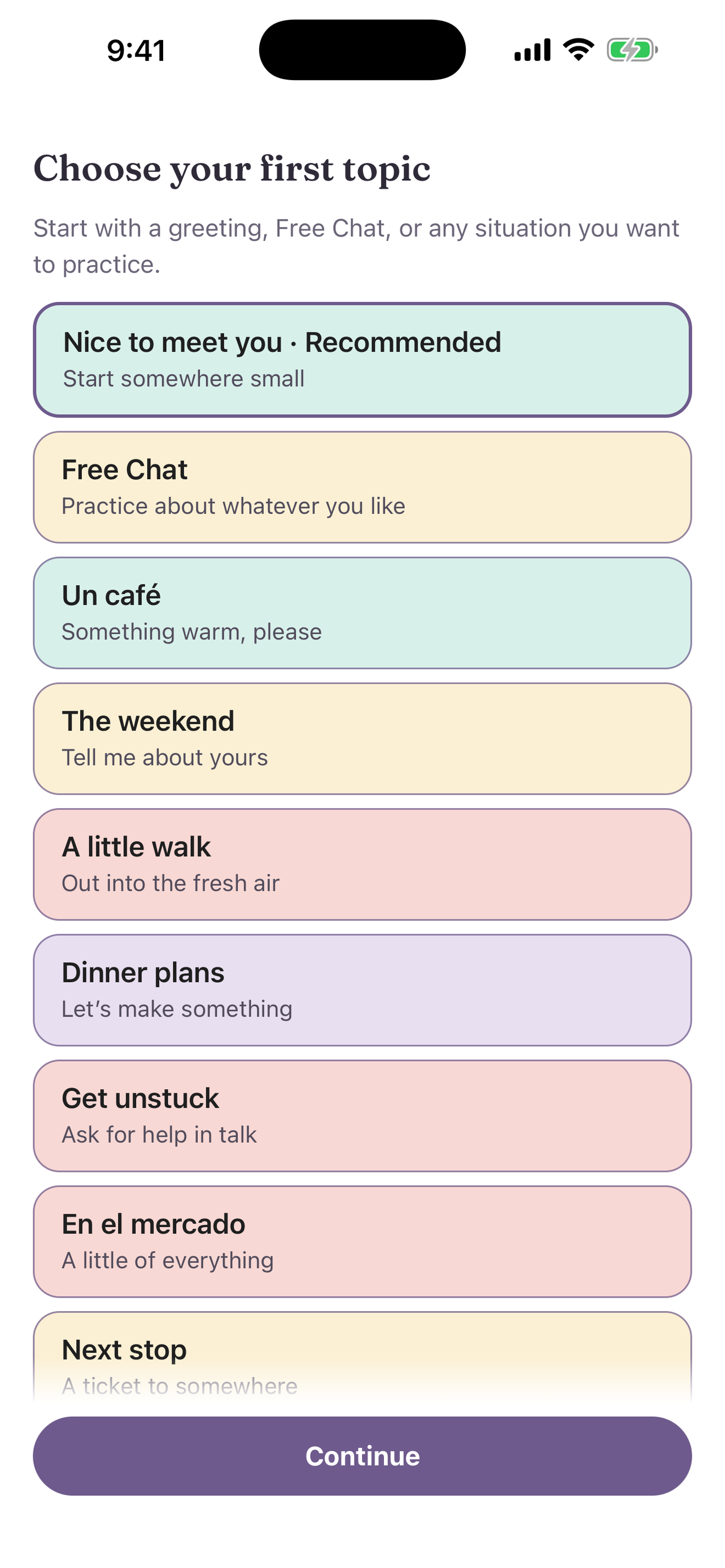
Pick a topic
Choose an everyday situation, use Free Chat, or describe a new topic of your own.
A topic sets the scene for your practice, for example ordering coffee or plans for the weekend.
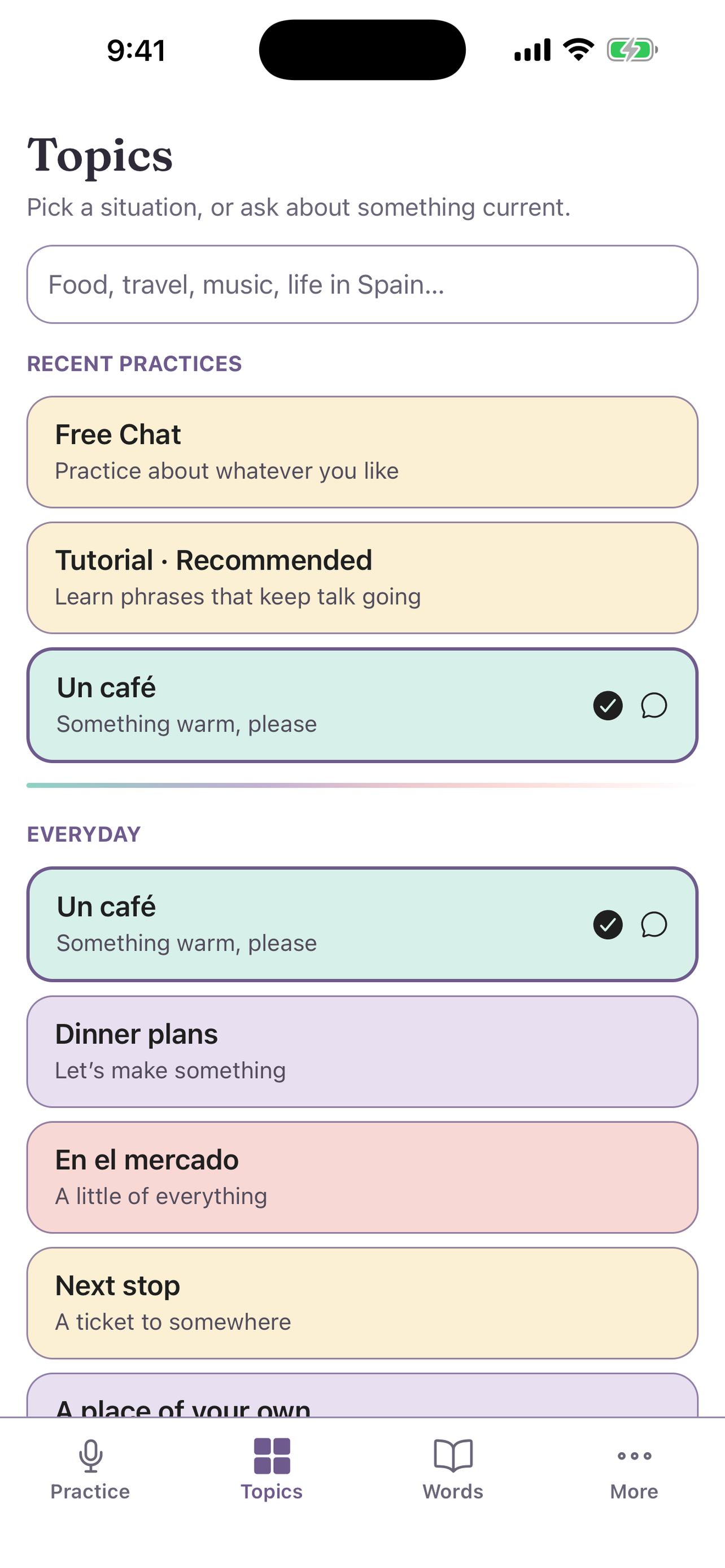
Choose a topic
- Open the Topics tab.
- Select a topic. The topics are in groups: Everyday, Connection, Local life, and Interests.
- Open Practice and tap the orb.
The badge on Practice shows your topic.
Free Chat
Select Free Chat to talk about anything. Free Chat uses your default difficulty from Settings.
Describe a new topic
- Type in the search field at the top of Topics.
- If no topic matches, the screen shows No topics match. Describe a new one.
- Describe the place, event, or idea. Uyen makes the topic for you.
Topic search uses a small part of your minutes.
Tell Uyen your interests
- Open More.
- Under Interests, type what you like, for example "cooking, cycling, my dog Luna".
Uyen uses your interests for questions and examples in Free Chat. In other topics, it uses only small details.