
Ignored words
Hide words you do not want to practice, and bring them back later.
Ignore a word when you do not want Uyen to track it, for example a name.
Ignore a word
Tap the word in the chat or on Words, then select Ignore.
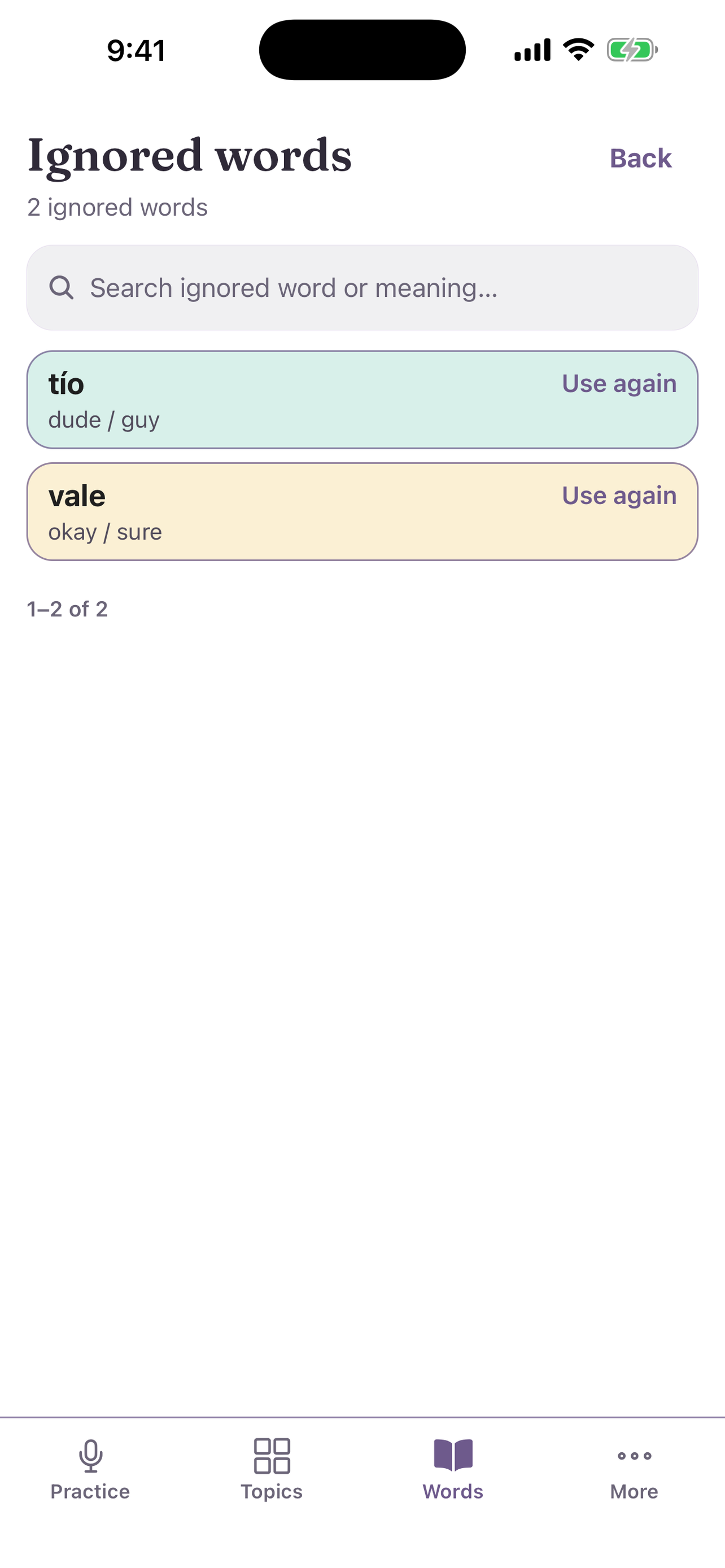
Bring a word back
- Open Words.
- In Used vocabulary, select Ignored.
- On Ignored words, select Use again next to the word.
- Select Back.