Get help
Read common questions, send us a message, sign out, or delete your account.
Send us a message
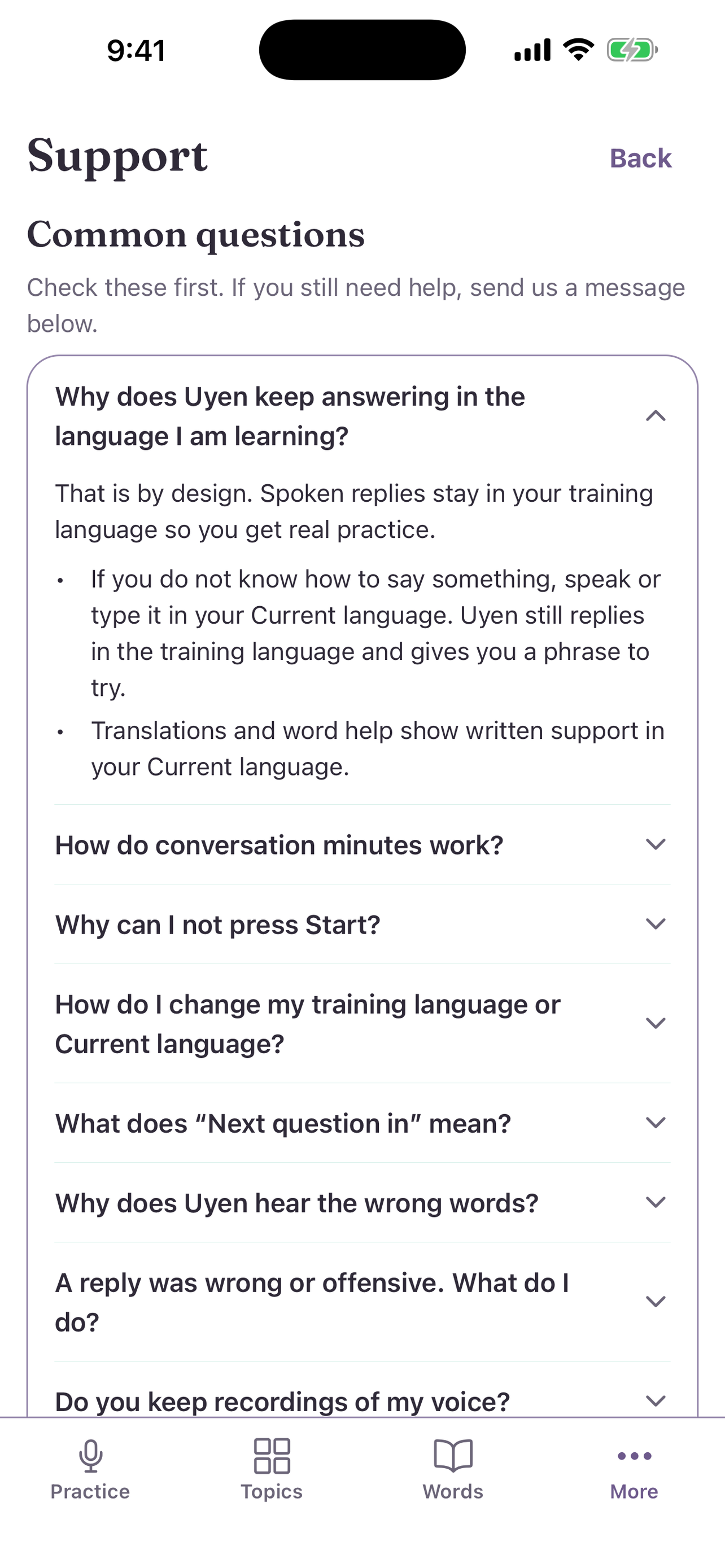
- Open More, then Support. You can also use Support on the web.
- Read Common questions first.
- Under Still need help?, enter Your email and a Message.
- Select Send message.
Sign out
At the bottom of More, select Sign out, then confirm.
Delete your account
- In the app: at the bottom of More, select Delete account, then confirm Delete.
- By email: write to us from the email on your Uyen account. We verify that you own the account first.
Your learning data on the device stays until you delete it in Settings → Delete all learning data.