Adjust speed, difficulty, and wait
Make Uyen speak slower or faster, set how hard talk feels, and set the pause before the next question.
The chips on the left side of the orb on Practice change how Uyen talks: 1× is speed, Beginner is difficulty, and 20s is the wait.

Speech speed
- Tap the speed chip, for example 1×.
- Move the slider in Speech speed. The range is 0.25× to 1.5×.
- Select Done.
A change during a practice applies to that practice only. To set the speed for each new start, open More → Settings → Practice speech speed. The default is 0.75×.
Difficulty
- Tap the difficulty chip, for example Beginner.
- Select Beginner, Intermediate, or Advanced.
- Select Done.
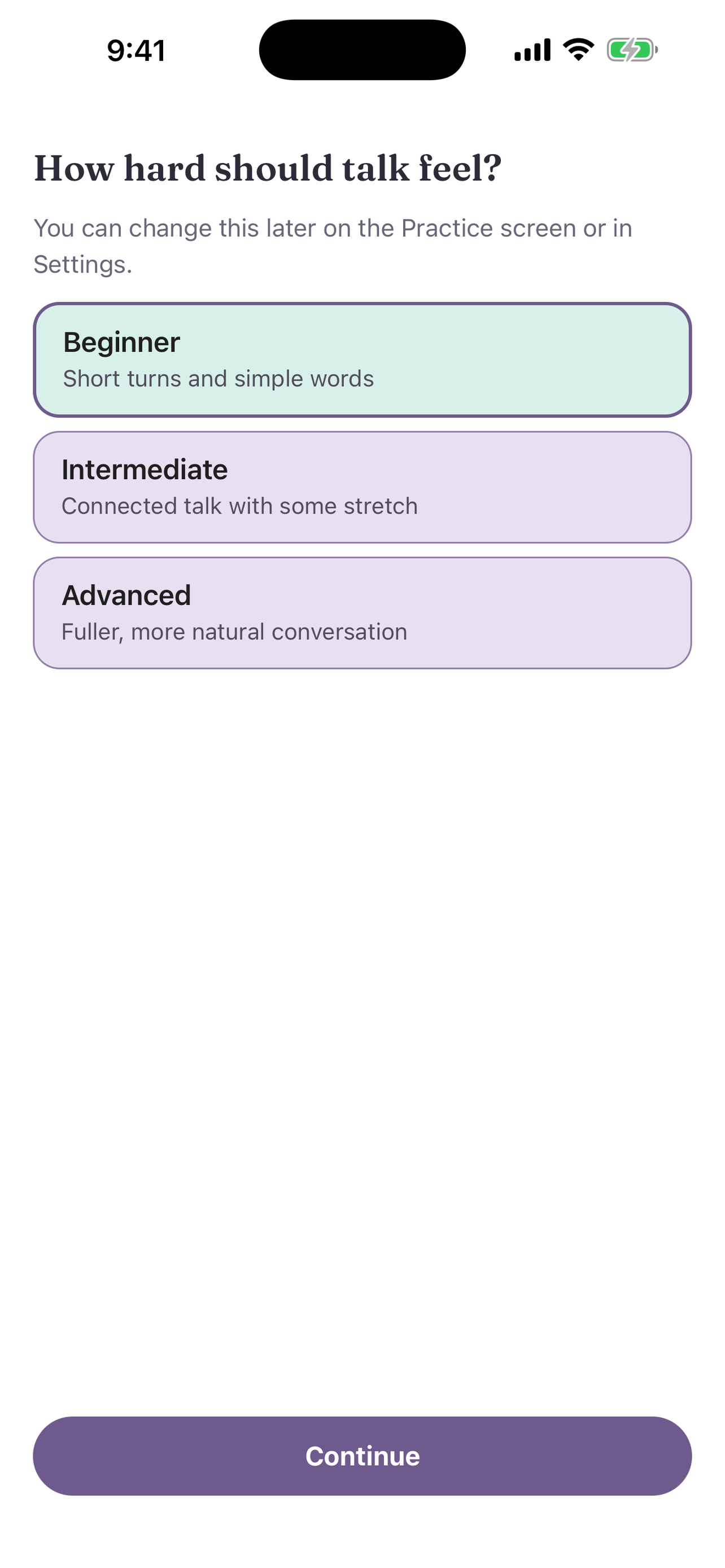
A change during a practice applies from the next turn. To set the default, open Settings → Default difficulty. The default applies to Free Chat. Topics start at Beginner.
Follow-up wait
After a short exchange ends, Uyen waits before it asks the next question.
- Tap the wait chip, for example 20s.
- Move the slider in Follow-up wait. The range is 15 to 60 seconds.
- Select Done.
You can also set it in Settings → Follow-up wait.