
Review your words with word cards
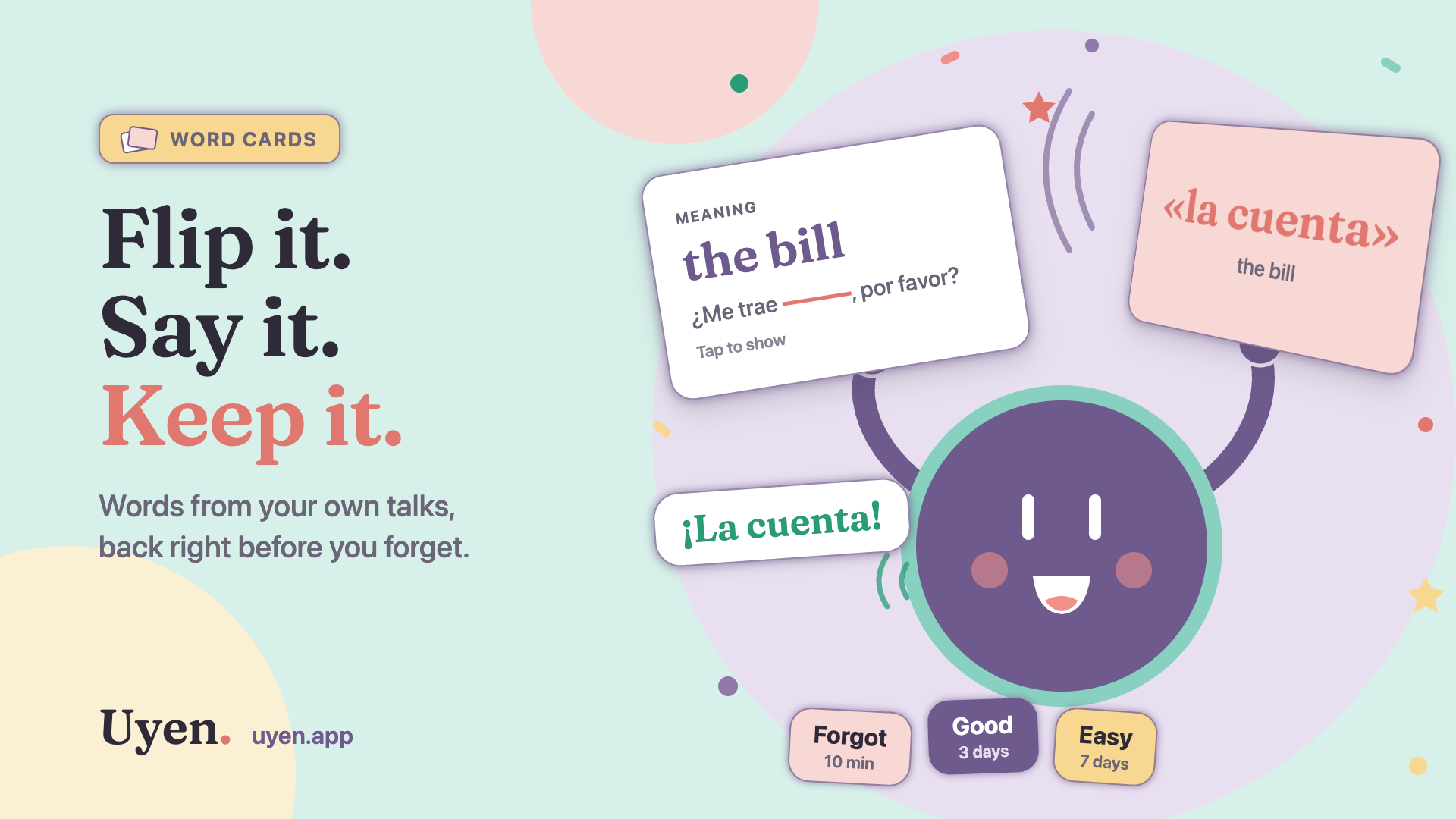
The Words tab now has flashcards made from your own talks. See the meaning, find the word, say it out loud, and grade yourself. The words that you miss come back in your next talk.
Yesterday you said «la cuenta» to a waiter in a talk. Today, someone says "the bill". Does the word come to you?
That is the question that Review cards asks. A learner asked us for it: the Words tab shows all the words you used, so let it also help you keep them. Now it does.
How it works
- Open Words. Above Your focus, select Review cards.
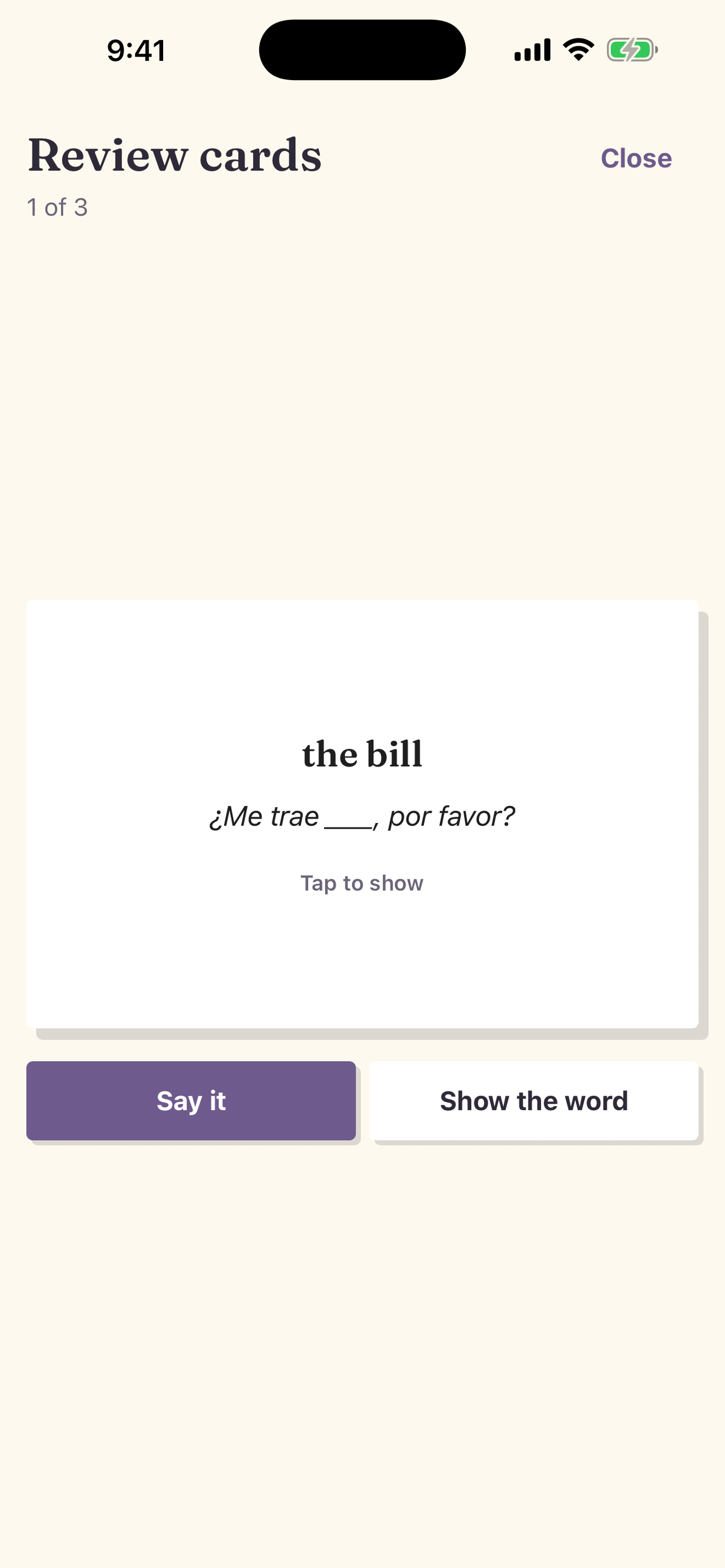
- The front of the card shows the meaning and the sentence where you used the word, with the word hidden: "the bill" and «¿Me trae ____, por favor?».
- Find the word. Then tap the card to see it.
- Select Forgot, Good, or Easy.
Under each button you see when the card comes back. A card that you know waits longer each time: 1 day, then 3 days, then a week, and up to 80 days. A card that you forget comes back in 10 minutes.
Why your own sentence
Most flashcards show a word from a list. Your cards show a word from your life. You said that sentence, in that café, to that waiter. The scene helps you find the word, and the word helps you remember the scene.
The front shows the meaning, not the word. You must find the word in your memory. That is harder than seeing a word and knowing what it means, and it is the skill that you need in a real talk.
Say it out loud
Reading a word in your head is easy. Saying it is the real test. Select Say it on the front of a card, and say the word. Uyen listens, shows the card, and tells you what it heard.
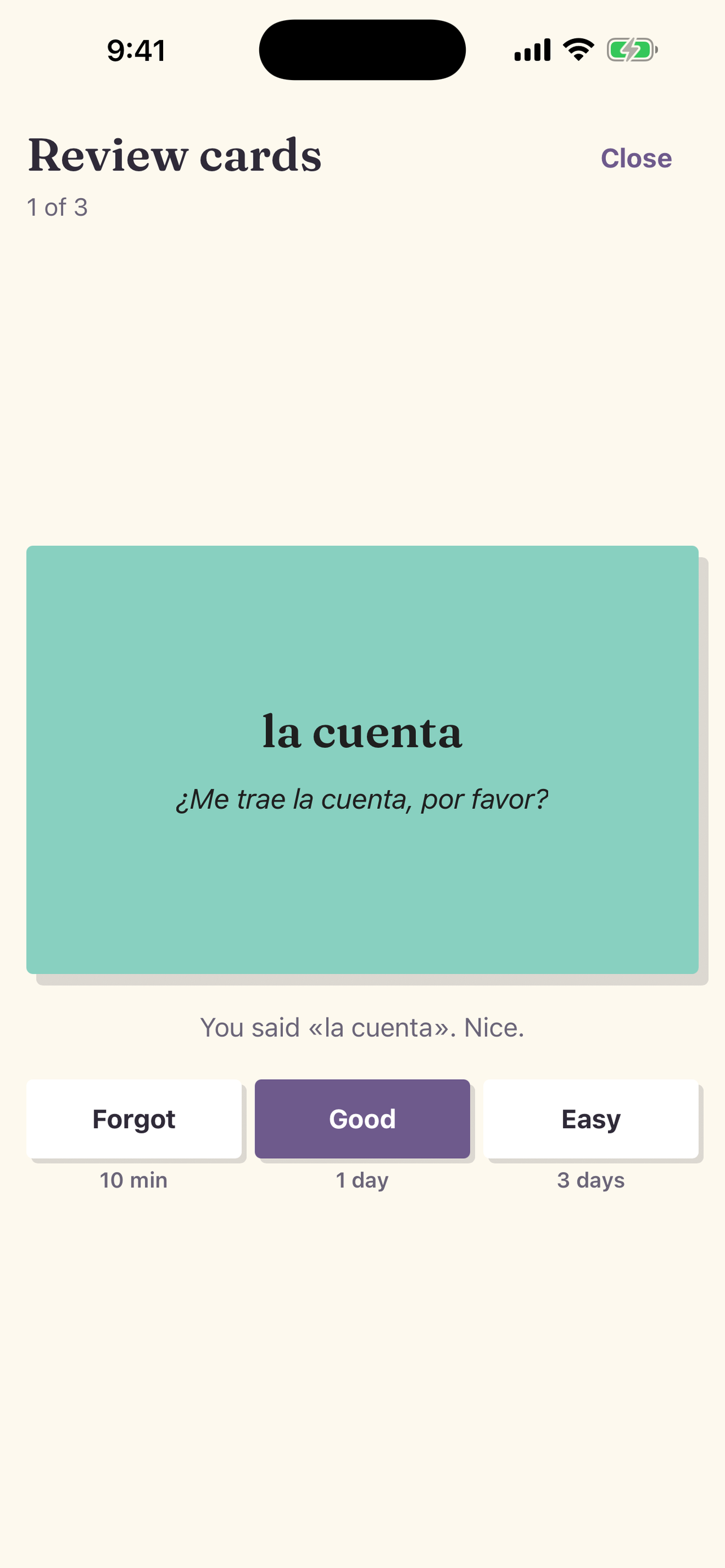
If you said the word, Uyen suggests Good. If not, it shows what it heard and suggests Forgot. You still pick the grade. Say it uses less than one credit for each try, and you can skip it at any time. The flip-and-grade review is free.
Cards and talks work together
Cards are not the goal. Talks are. So the two connect:
- When you select Forgot, the word also gets Needs use. In your next talk, Uyen asks questions that give you a chance to say it.
- A card does not change a word's status on Words. Only the words that you say on your own in a talk go to Fragile, Growing, and Steady.
- Tap any word and select Add to review cards to practice it now. That includes a word you marked Known. The Known mark stays.
Cards help you remember a word. Talks make it yours.
Five minutes a day
- Open Words and select Review cards.
- Use Say it on each card, then grade yourself.
- At the end, select Start a talk. Uyen asks for the words that you missed.
For all the details, see the Review cards guide. To train one word many times in one talk, try a Word Workout.
Uyen is on the App Store and Google Play. If you have a question, use the form on Support or write to [email protected].